
Your data
You can see and remove some of what NearMe keeps in Settings. To delete your account, ask us.
Chats
Delete this chat takes a chat out of your list and the assistant stops reading it. The messages are kept. To have them deleted, ask us.
Files
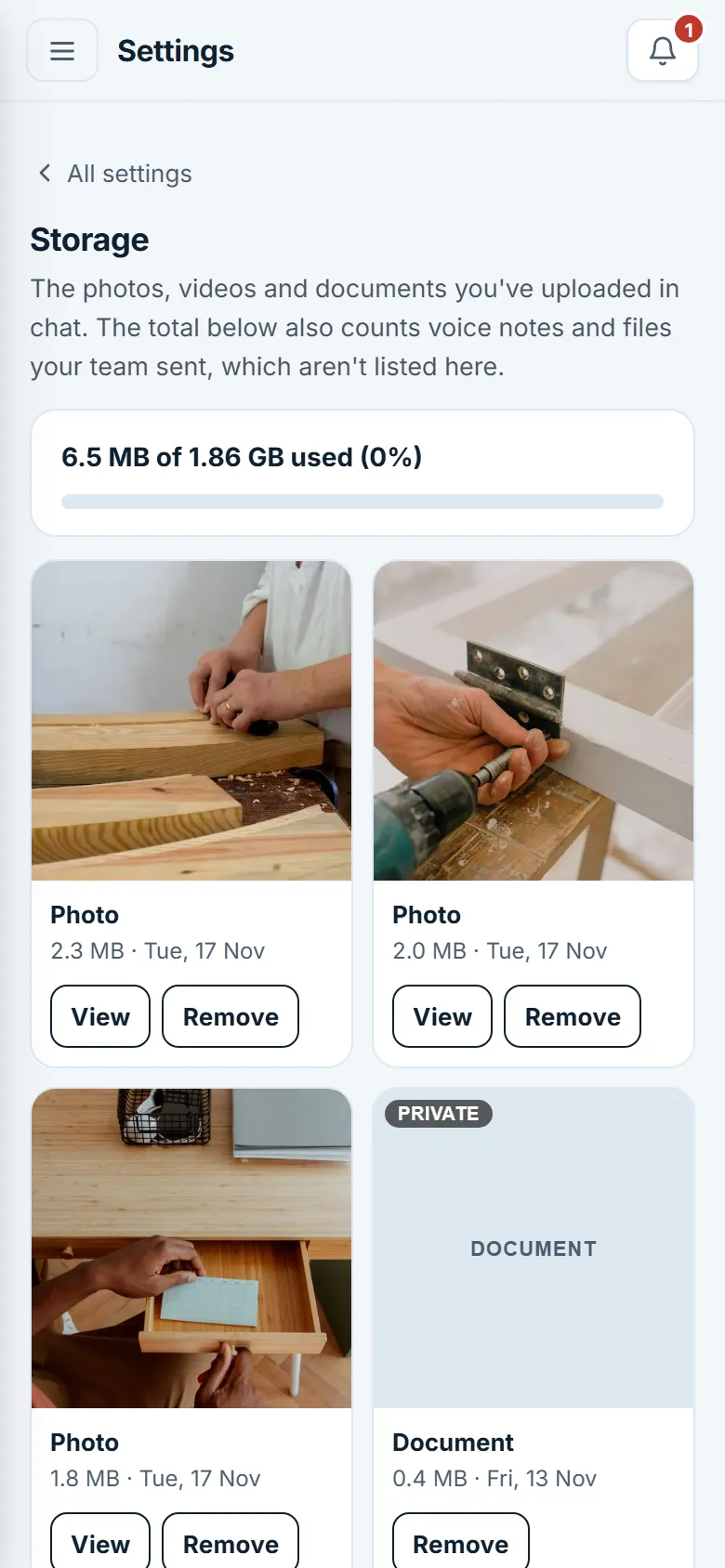
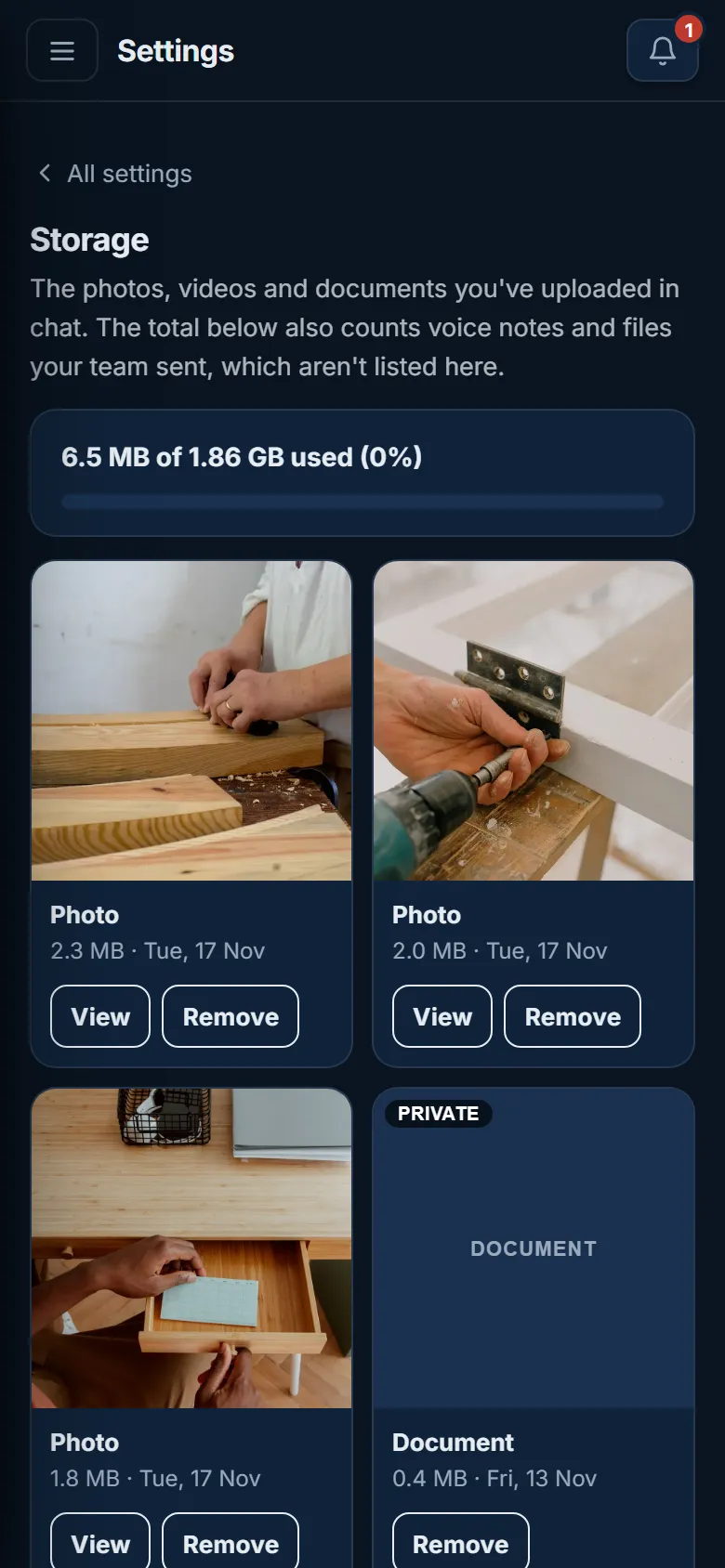
Settings > Storage lists the photos, videos and documents you’ve uploaded in chat, and how much space you’ve used. Voice notes and your team’s files count towards it but aren’t listed. To delete a file for good, tap Remove, then Remove it, or Keep to change your mind.
Owner only
Only the owner sees Storage.
Learning from your messages
In Settings > What the assistant remembers > Learning from your messages, Learn at this business is on until the owner switches it off. Each person also has their own switch, Learn from my messages and voice notes: staff start with theirs off and choose for themselves. What it picks up is listed there, tagged “Picked up from your messages”, and you can remove it. Our AI providers, in the United States, process your messages. The Privacy Policy lists them.
Deleting your account
There’s no button for it. Ask us through Get help, or email connect@nearme.com.au.
Spam
Enquiries that look like spam are held back and deleted after 90 days. See Enquiries.
Still stuck? Tap Get help in the app, or email connect@nearme.com.au.