

Enquiries
When someone fills in the enquiry form on a website NearMe built, NearMe emails it to your business email address and tells the owner straight away.
- The email: “New enquiry from” and their name, with their details and message. If they left an email address, reply and it goes to them.
- The notification: “New enquiry from” and their name, with what they asked, on each owner’s device with notifications on. If they didn’t write a message, it says their details are in your email.
- Spam: enquiries that look like spam are held back, not sent to you, and deleted after 90 days. Missing one? Ask us to look.
Owner only
Enquiry notifications go to the owner.
Enquiries at night
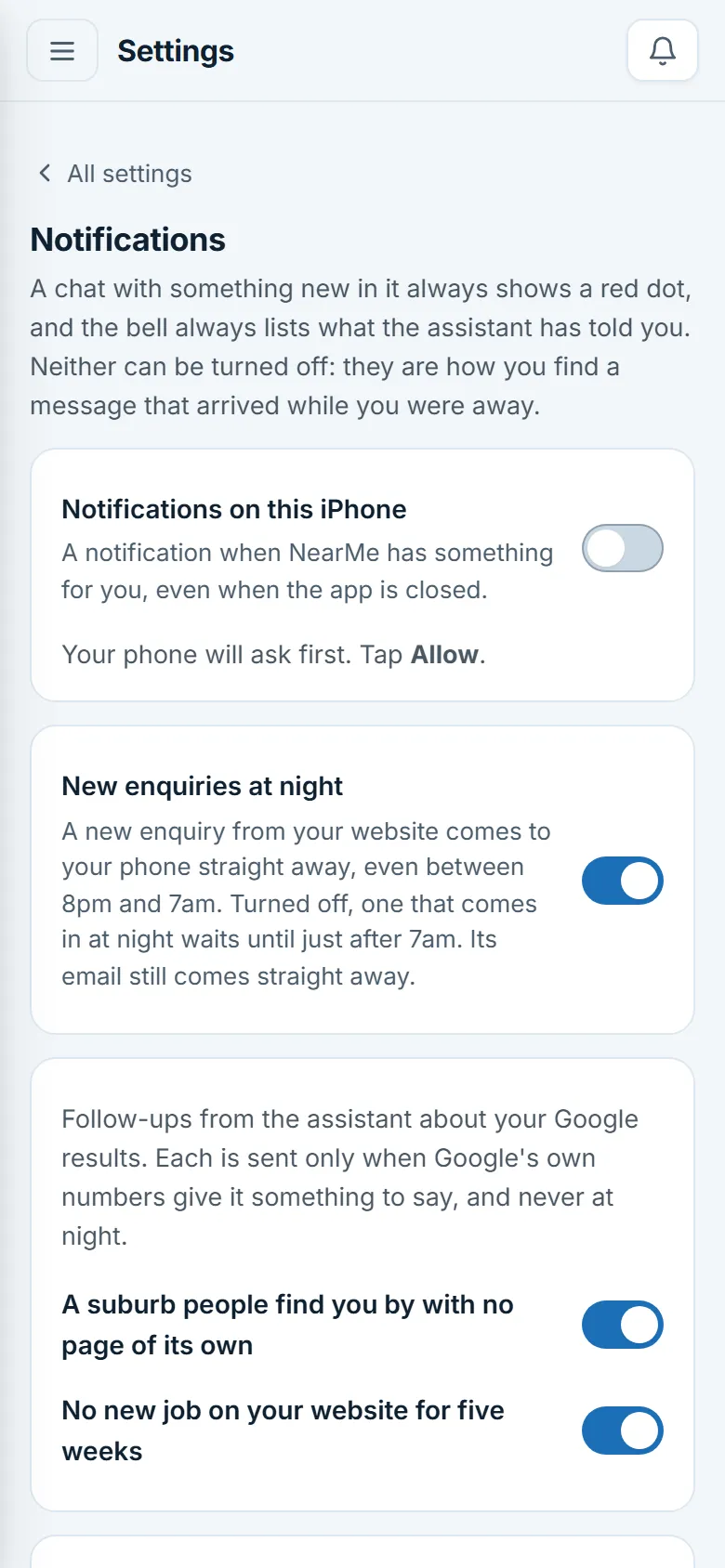
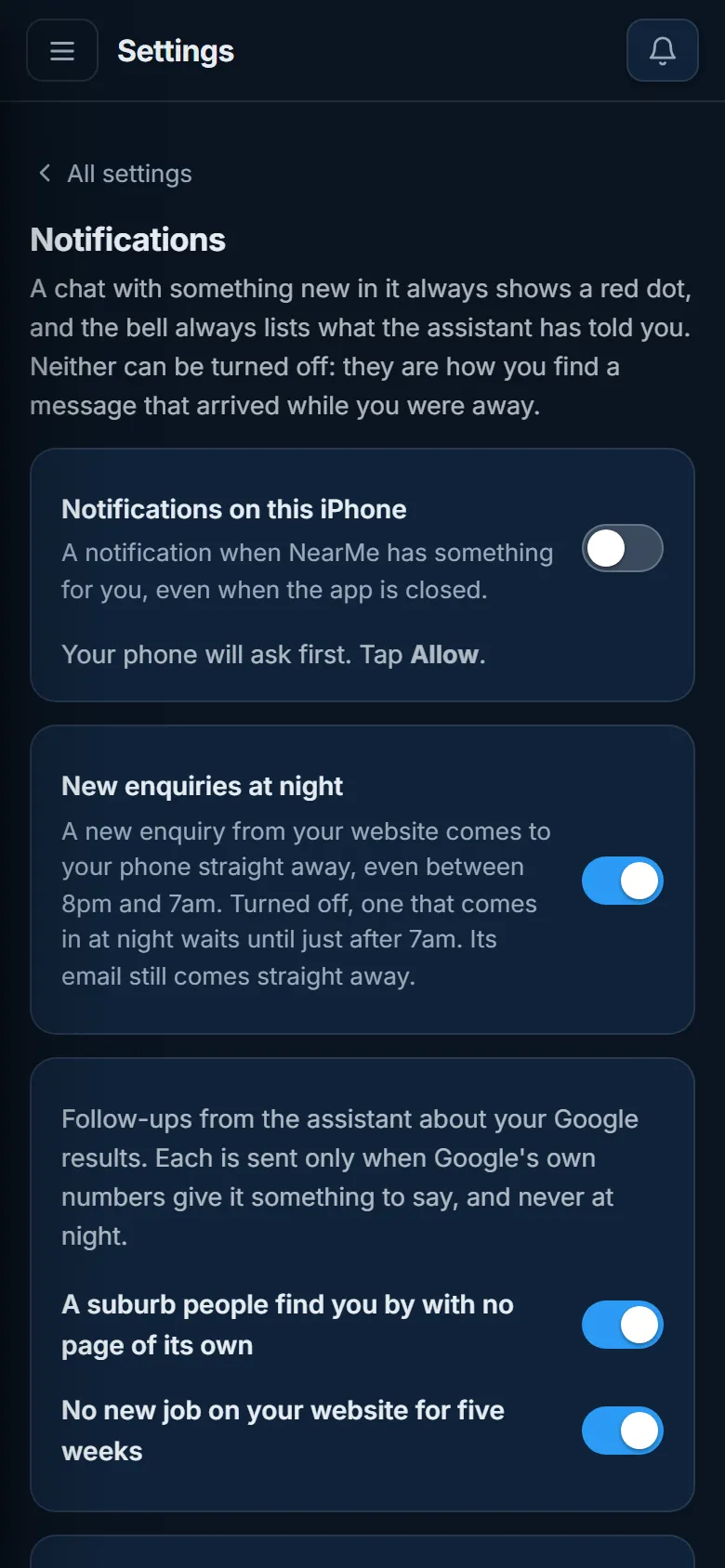
New enquiries at night in Settings > Notifications is on until you turn it off. Turned off, an enquiry that comes in between 8pm and 7am waits until just after 7am. The email still comes straight away.
In the app
There’s no list of enquiries. Ask your assistant “Any new enquiries?”. Tell it “I rang her back” and it marks that one as dealt with.
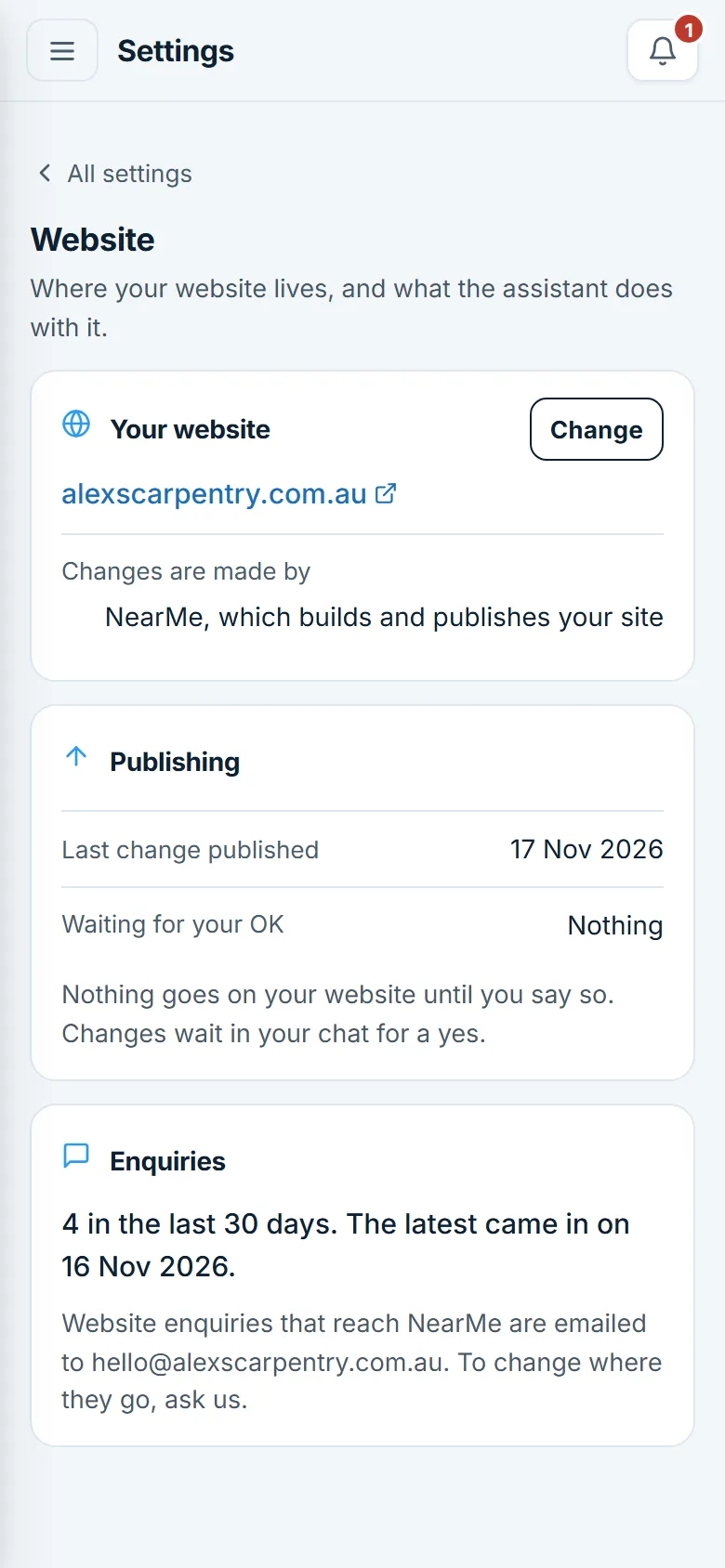
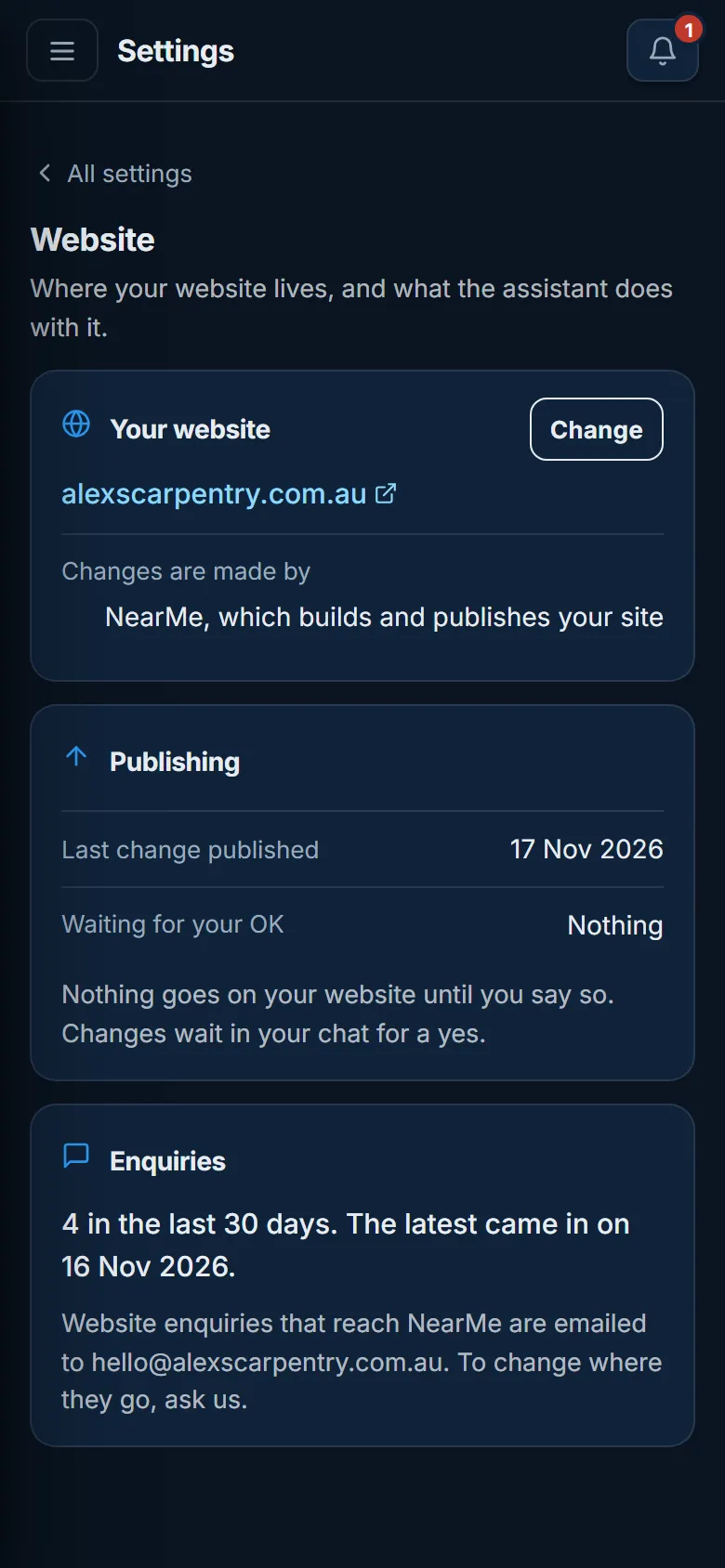
Settings > Website > Enquiries shows how many came in over the last 30 days and when the latest arrived. To change where they’re emailed, ask us.
Still stuck? Tap Get help in the app, or email connect@nearme.com.au.