

Send a job
After a job, tell NearMe what you did. A voice note is quickest.
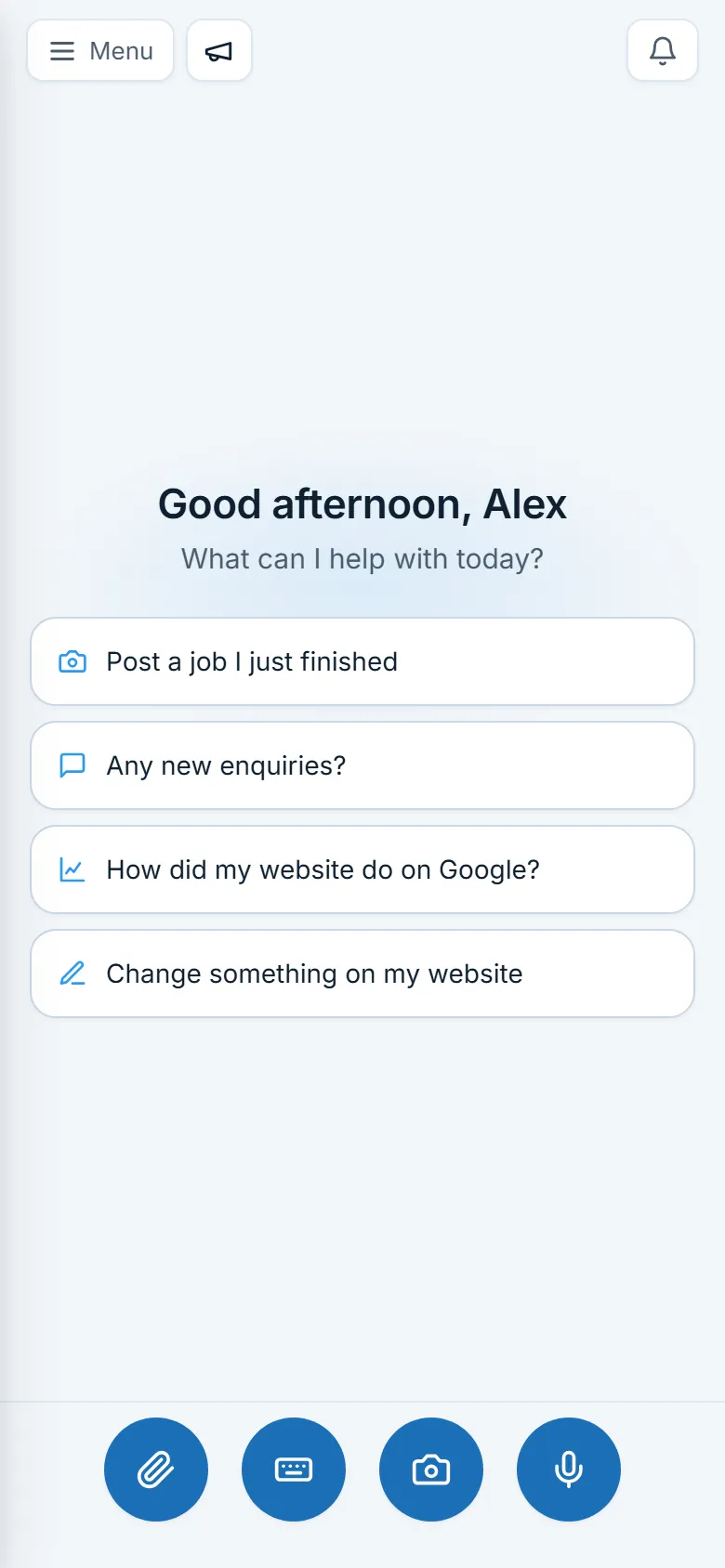
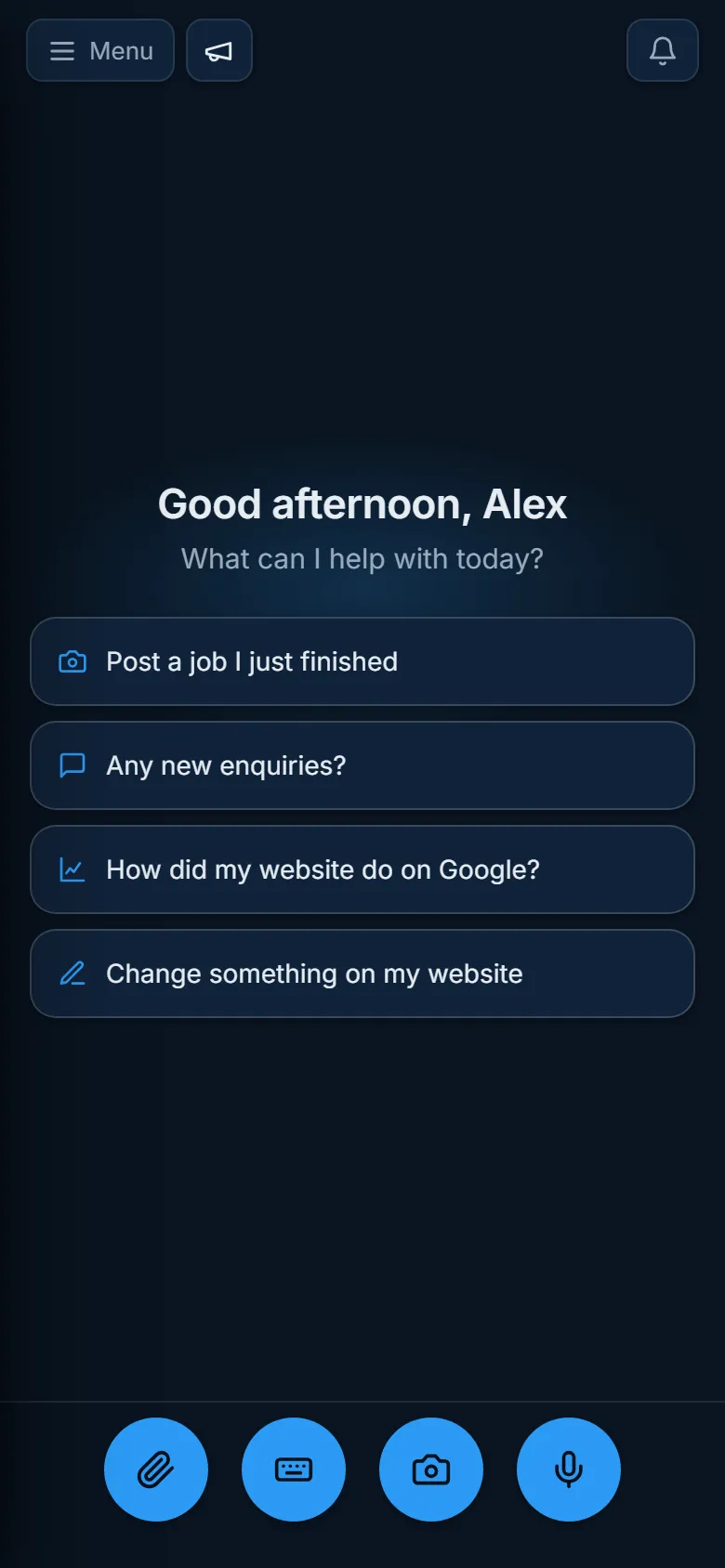
- Open a chat. A new chat shows starters such as Post a job I just finished. Tapping one fills in the message box for you.
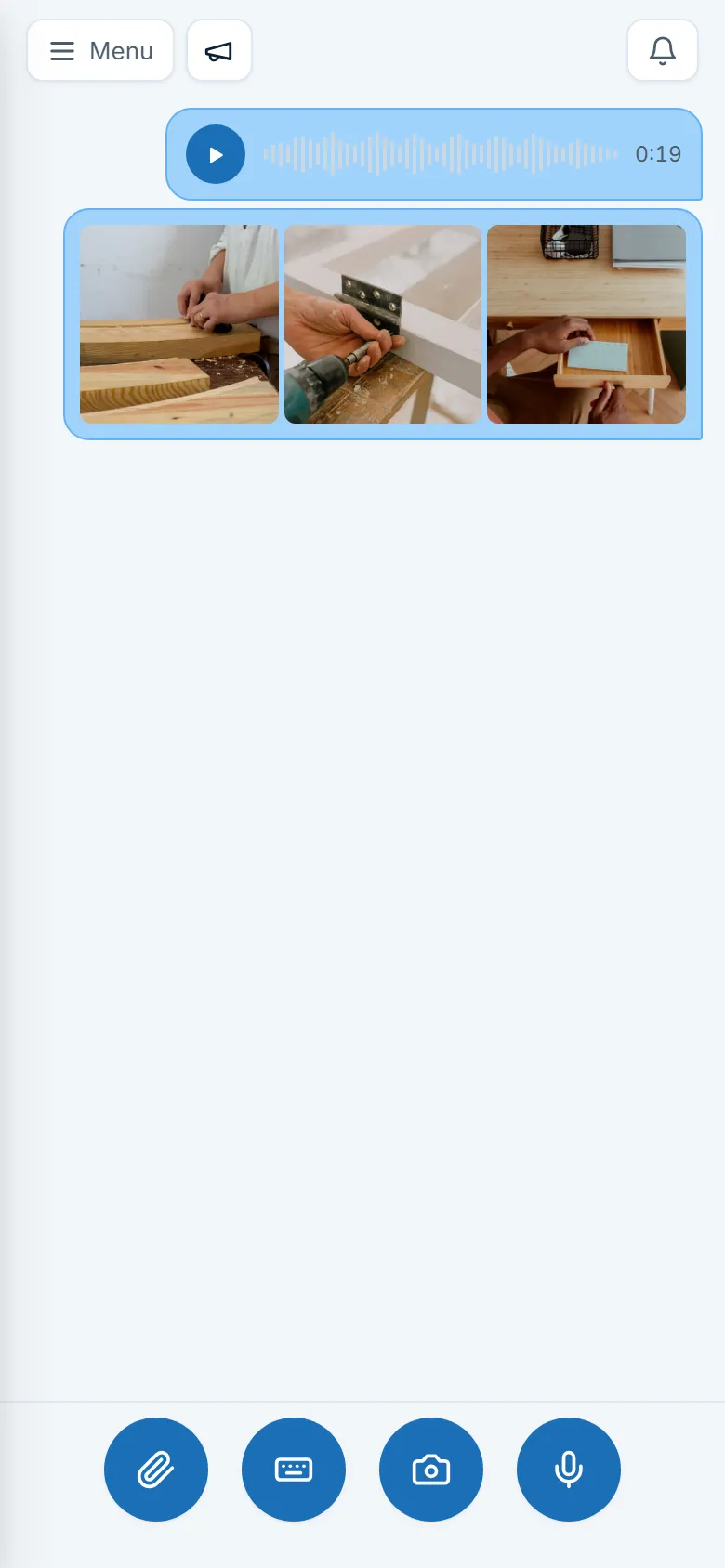
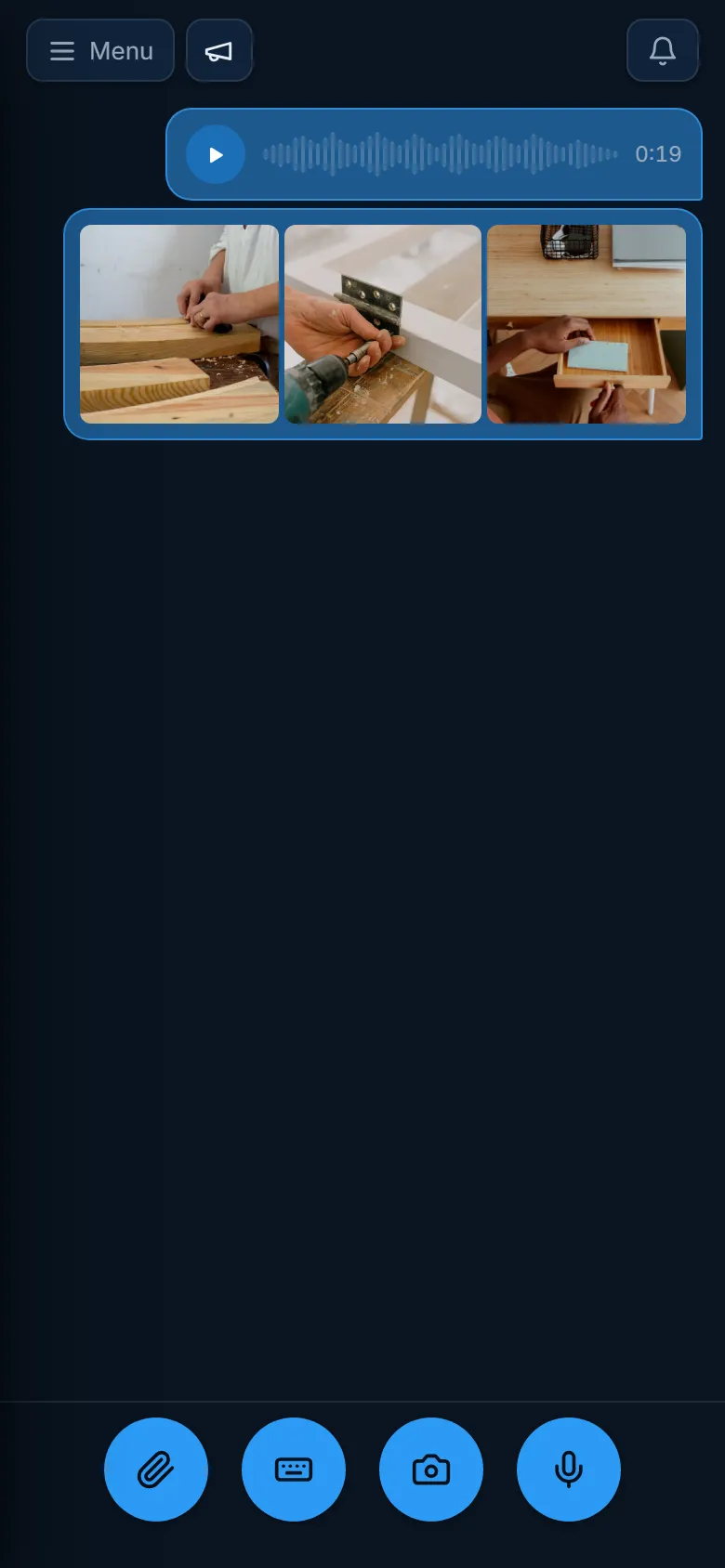
- Tap the microphone and say what you did. You can pause and carry on. Tap Send when you’re done.
- Add photos or a video with the camera button, or a file with the paperclip, and send them too.
- NearMe writes the job up and shows it to you. Nothing is live yet.
What to say
- The suburb you worked in.
- What the job was.
- What you did.
- Anything that made it different.
About 30 seconds is plenty. If NearMe needs more, it asks.
Limits
- A voice note stops at 2 minutes and keeps what you said.
- Each message can carry up to 5 photos, 2 videos and 4 documents.
- A video can be up to 25 seconds and 50 MB.
Tip
Rather type? On a phone, tap the keyboard button.
Next: check and approve what NearMe wrote.
Still stuck? Tap Get help in the app, or email connect@nearme.com.au.