

Where your job shows up
On a website NearMe built, your job goes on the page for the suburb you worked in.
A website NearMe built
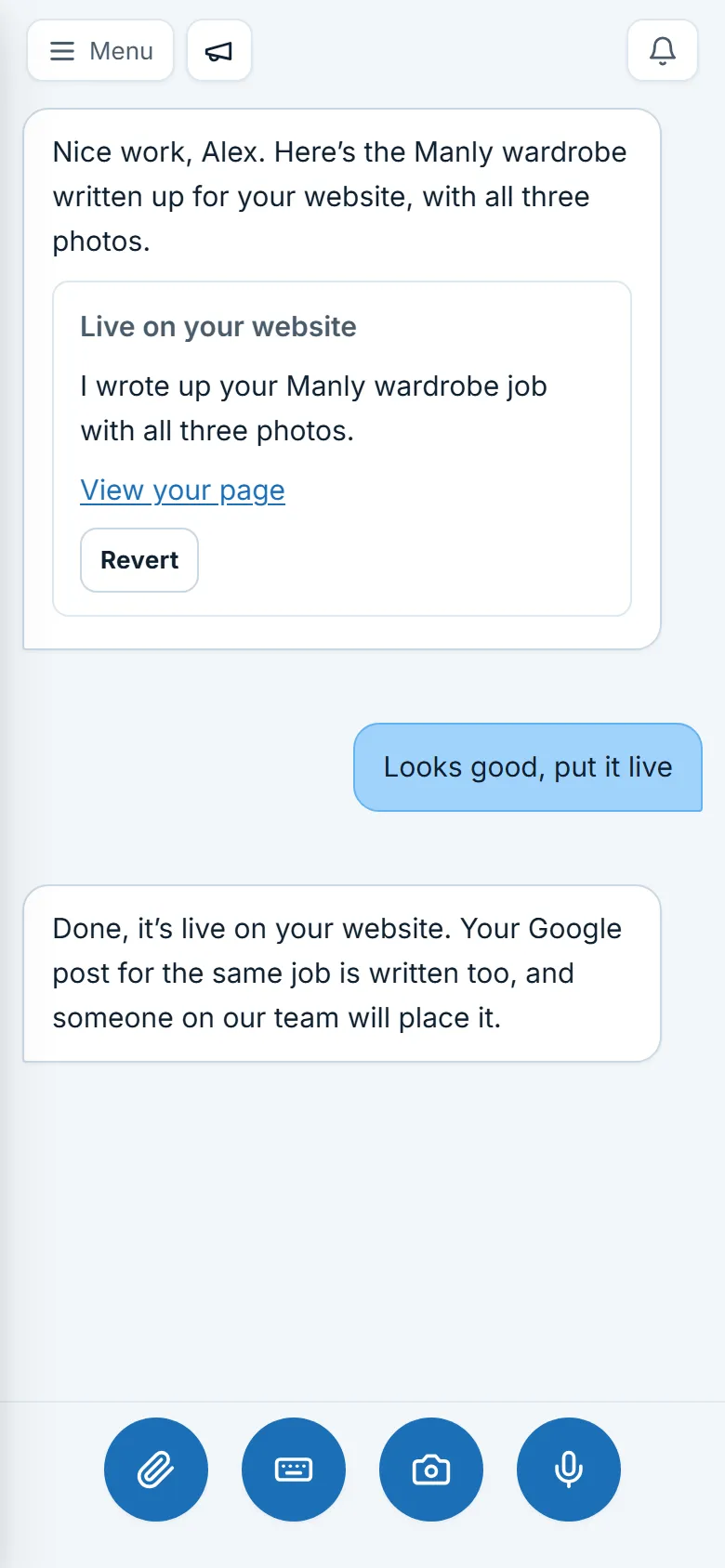
- The job, with your words, photos and the date, goes on the page for that suburb. It shows in a minute or two.
- It also shows in Recent work on your home page, if your site has that section.
- A job doesn’t get a page of its own.
- No page for that suburb yet? NearMe offers to make one and asks for your yes first. If your site has one main page for your area, the job goes there instead.
A WordPress website
The job shows in the NearMe job boxes on your pages. Our team helps you connect it.
No website yet
Your assistant’s first step is helping you buy your own web address (a domain).
Your Google Business Profile
NearMe writes a short post for your profile with every job, and a person on our team puts it up for you. It starts once your website is live on your own address. On a WordPress website it isn’t set up yet: ask us if you’d like your jobs posted to your profile.
Still stuck? Tap Get help in the app, or email connect@nearme.com.au.