

Sign up
Signing up takes a few minutes. We check every new business before your account opens.
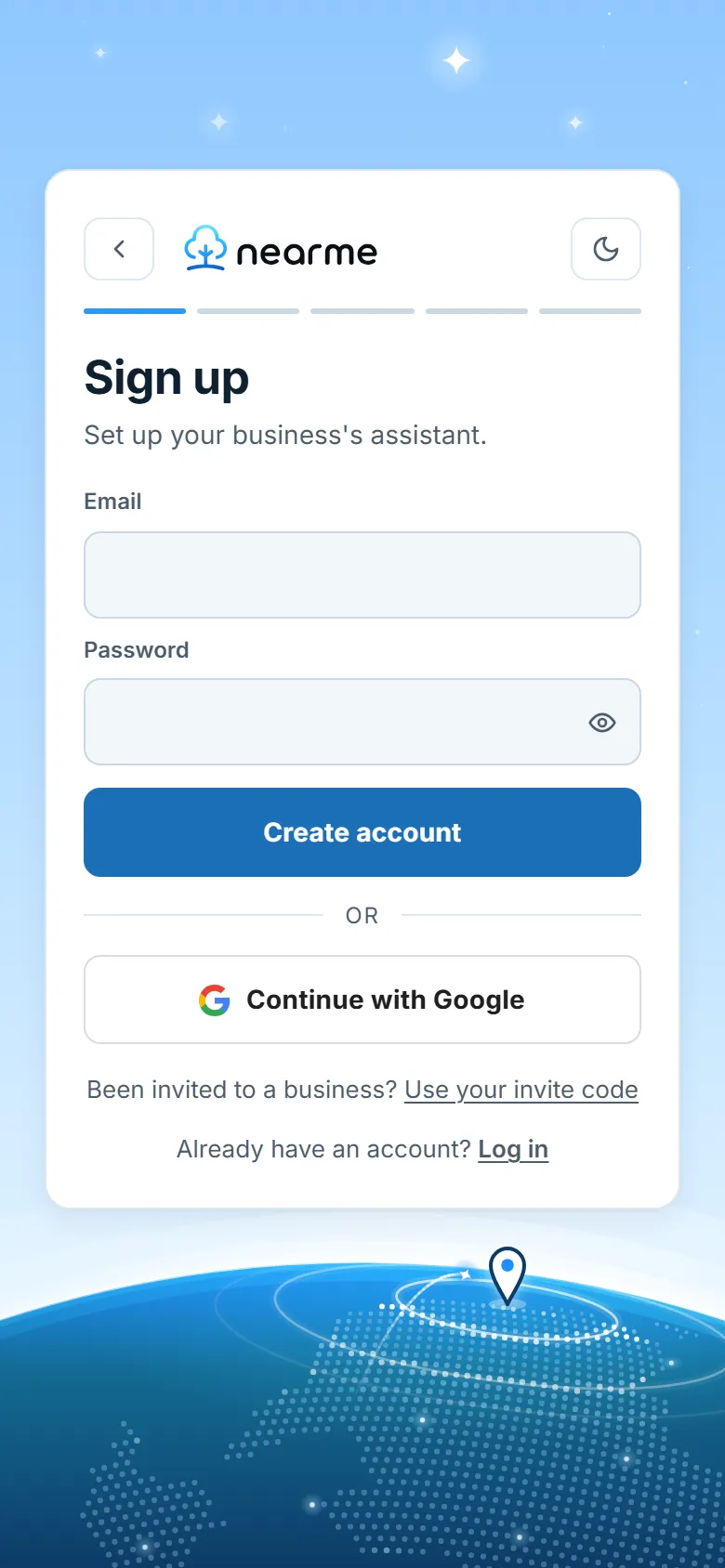
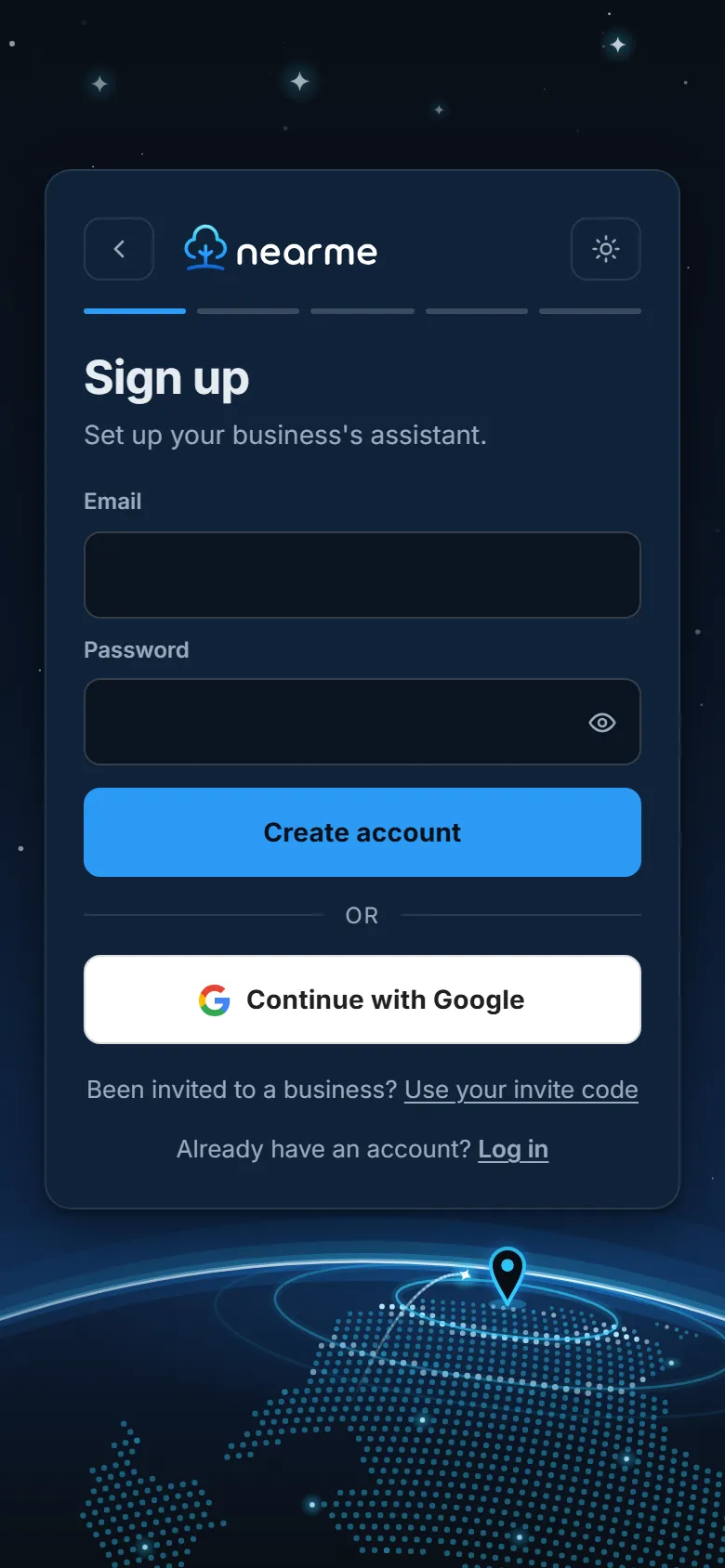
- On nearme.com.au, tap Sign up. Then tap Create account with your email and a password, or Continue with Google.
- If you used email, type the 6-digit code we send you. It checks itself.
- Your business: your business name and the type of business.
- Where do you work? Add up to 5 suburbs, or choose We don’t work in set areas (online, or all over).
- Do you have a website? Tell us whether you have one.
- How can we reach you? Your name and mobile. Tick the Terms and Privacy box, and, if you’d like them, Send me NearMe news and tips. Then tap Finish sign-up.
While we check
You’ll see You’re on the list. We check your business, usually within one business day. The page lists what to have ready for your onboarding call, where a person sets you up in about 30 minutes:
- Your logo and a few photos of your work.
- Your Google Business Profile and website, if you have them. We’ll show you how to give us access.
- We will never ask for your password.
Your first day
- When your account is ready, we email you: “You’re in: your NearMe account is ready”.
- Sign in. Your assistant says hello within a few minutes.
- No website yet? Your assistant starts by helping you buy your own web address (a domain).
- Next, install NearMe on your phone so you get notifications.
Good to know
If we can’t take your business on, signing in shows “This account isn’t active”.
Still stuck? Tap Get help in the app, or email connect@nearme.com.au.