

Ask for a review
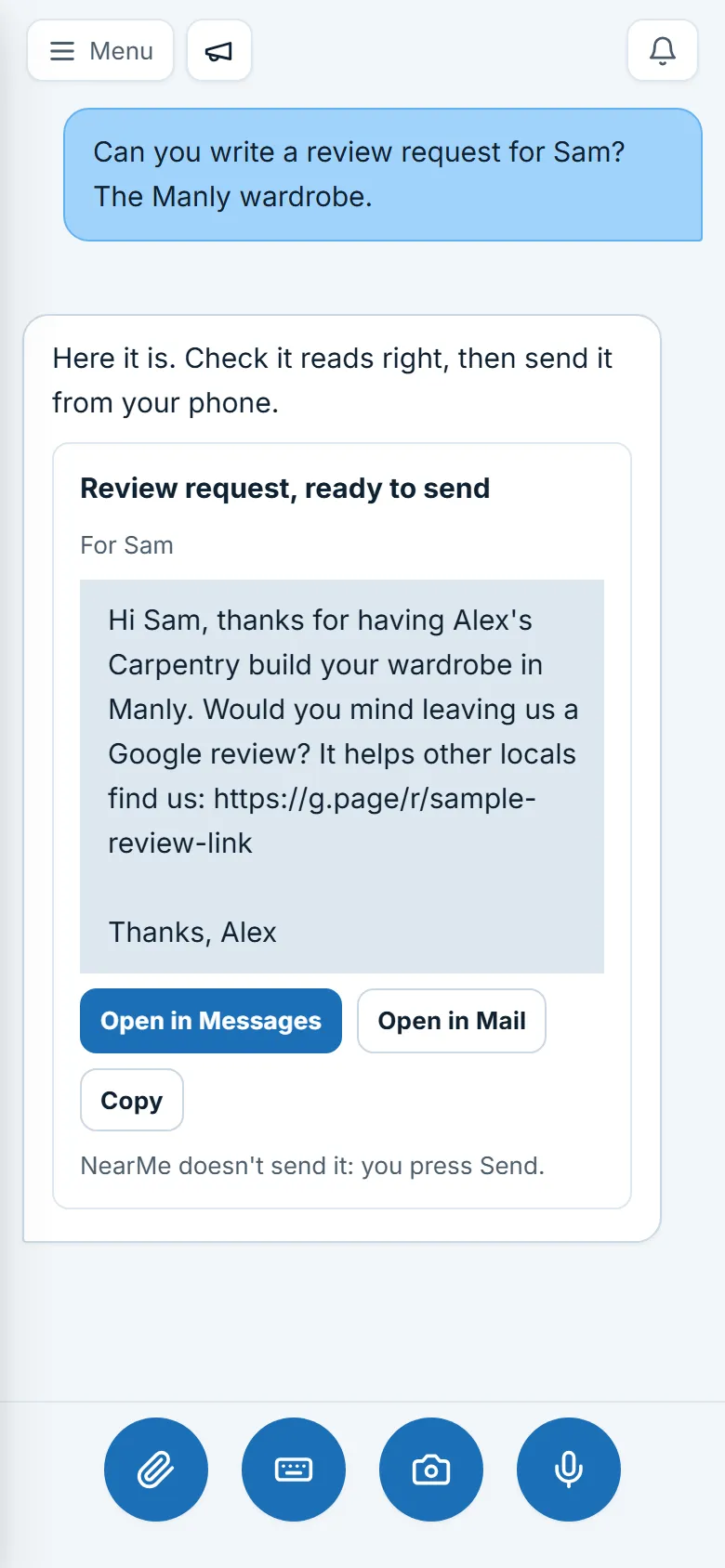
NearMe writes a review request for your customer, with your Google review link built in.
- After a job goes live, NearMe offers once to write a review request. You can also ask for one any time.
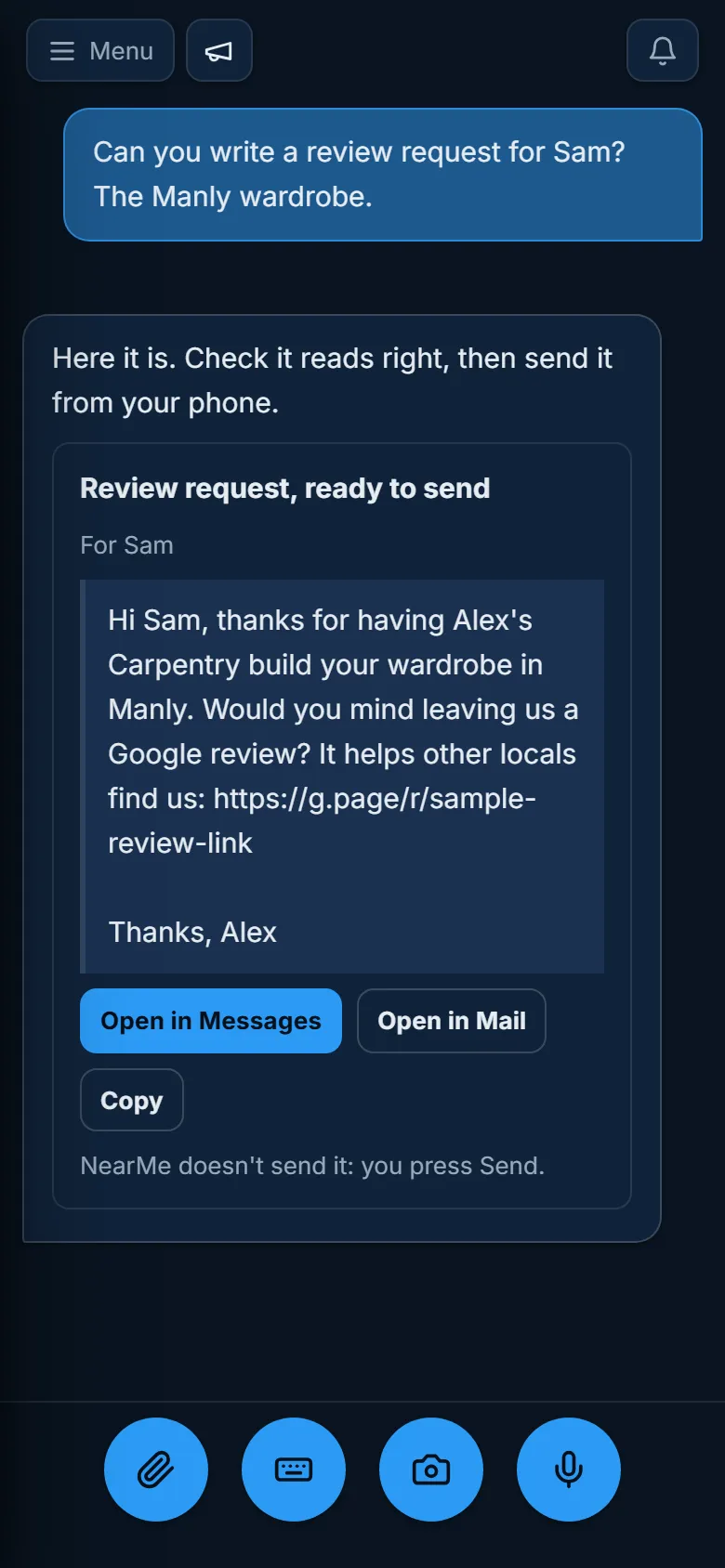
- The card Review request, ready to send has Open in Messages, Open in Mail and Copy.
Your review link
In your Google Business Profile, select Read reviews, then Get more reviews (on some screens it’s Ask for reviews). The link usually starts https://g.page/r/. Paste it into the chat once, and NearMe adds it to every request.
Inside Google’s rules
NearMe writes the same request for every customer. It never asks for five stars or offers anything in return. More in the Blog: how to get more Google reviews.
Still stuck? Tap Get help in the app, or email connect@nearme.com.au.