

Settings
Settings holds your account, your business details and how NearMe works for you. Tap Settings in the sidebar.
Settings has three groups: You, Your business and Online. Staff don’t see Team, Waiting to go live or Storage.
You
- Account: Your name; how you sign in (Email and Phone, each with Change or Add, and your password); Remembered browsers; Sign out.
- Notifications: see Notifications.
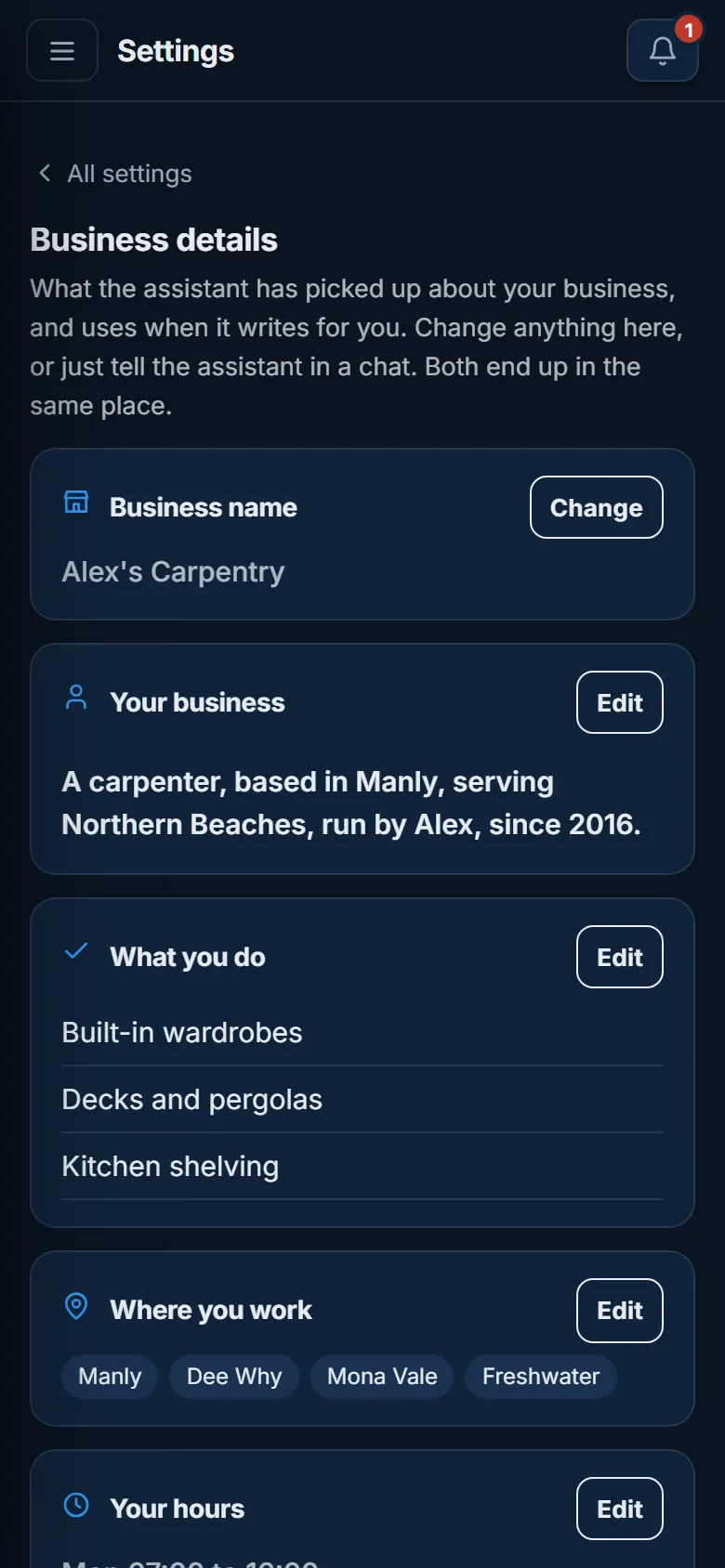
- Appearance: Dark or Light, for this browser.
Your business
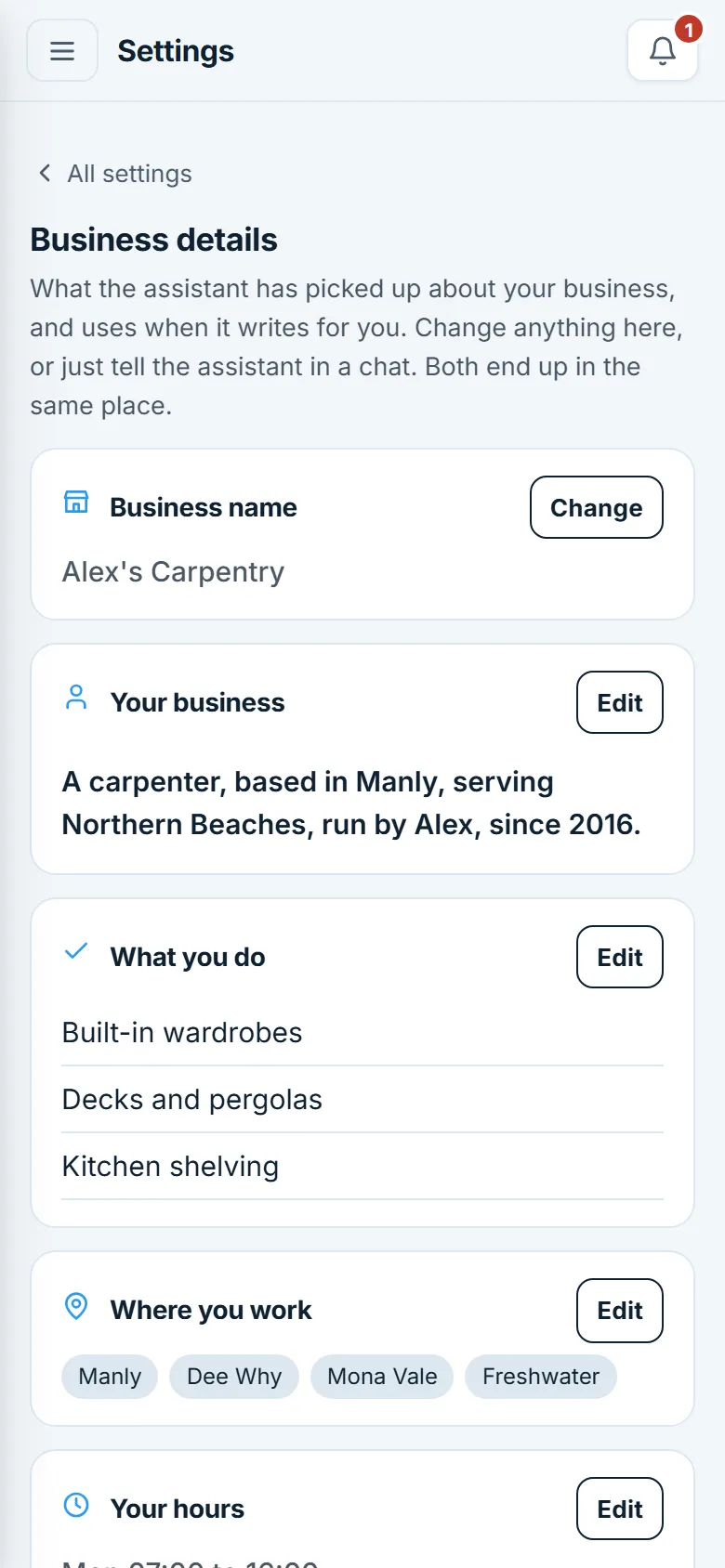
- Business details: your business name, what you do, where you work, your hours, your warranty, your goals and your time zone. The owner taps Edit, Change or Add. Or just tell the assistant in a chat.
- How you talk: What matters to you, and Words you use: words to use and words to avoid.
- What the assistant remembers: Rules for the business, and Personal rules (only affects you). Learning is on Your data.
- Team, Waiting to go live and Storage (owner only): see Your team, Check and approve and Your data.
Online
- Website: your website’s address, who makes the changes, publishing, and enquiries.
- Search and competitors: Where you’re based, Competitors you’re watching (tell the assistant who), and What we track for you. Anyone at the business can change Where you’re based.
- Connections: Google Search Console (the owner can tap Connect Search Console), Google Business Profile and WordPress. Each reads Connected, Handled by us or Not connected.
Good to know
WhatsApp: once it’s set up for your business, this row shows the number to message your assistant on. Until then it reads Not connected, and your assistant works here in the app.
Still stuck? Tap Get help in the app, or email connect@nearme.com.au.