

Notifications
NearMe tells you about new things in three places: the bell, Announcements, and your phone.
The bell
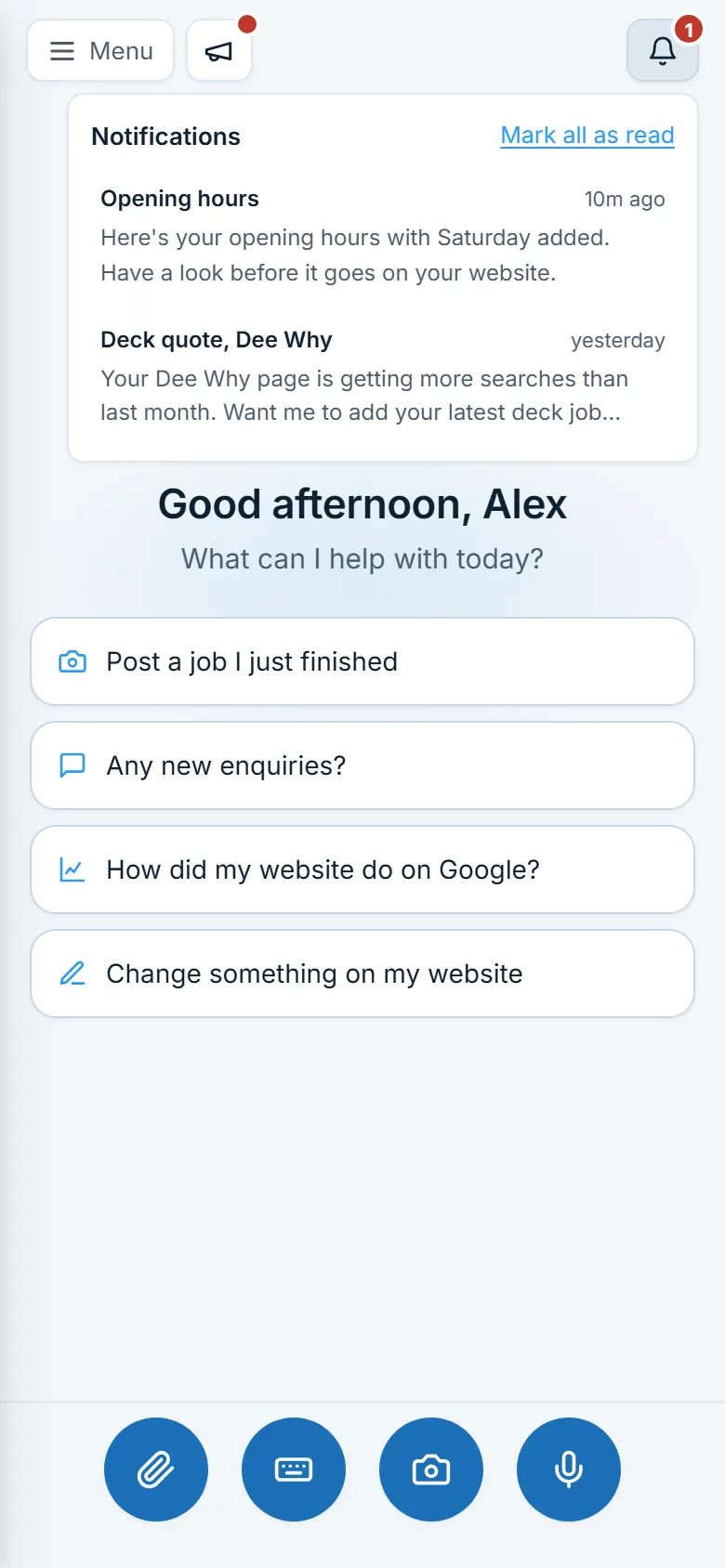
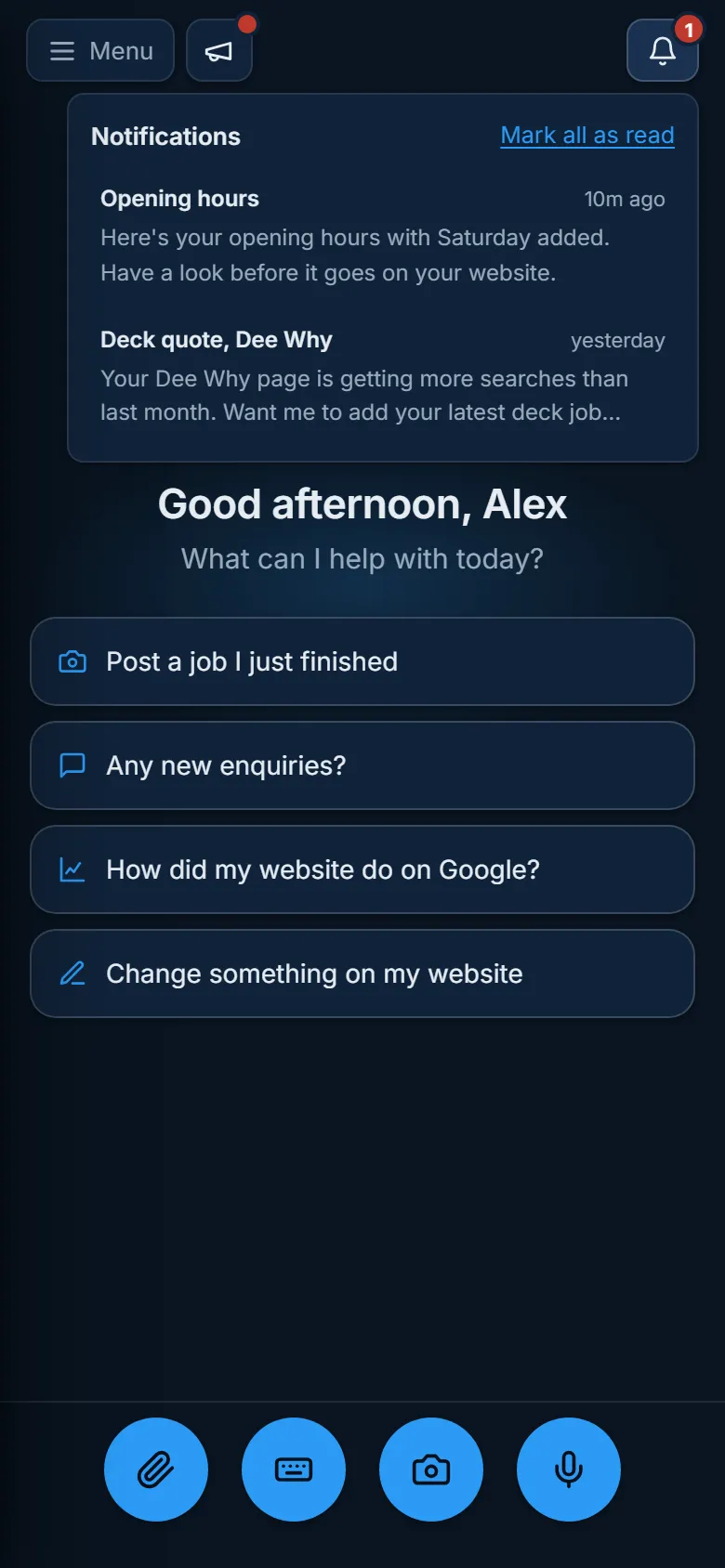
The bell at the top shows a number when the assistant has said something you haven’t read. Tap it for Notifications: each message with its chat. Tap one to open it, or Mark all as read.
Announcements
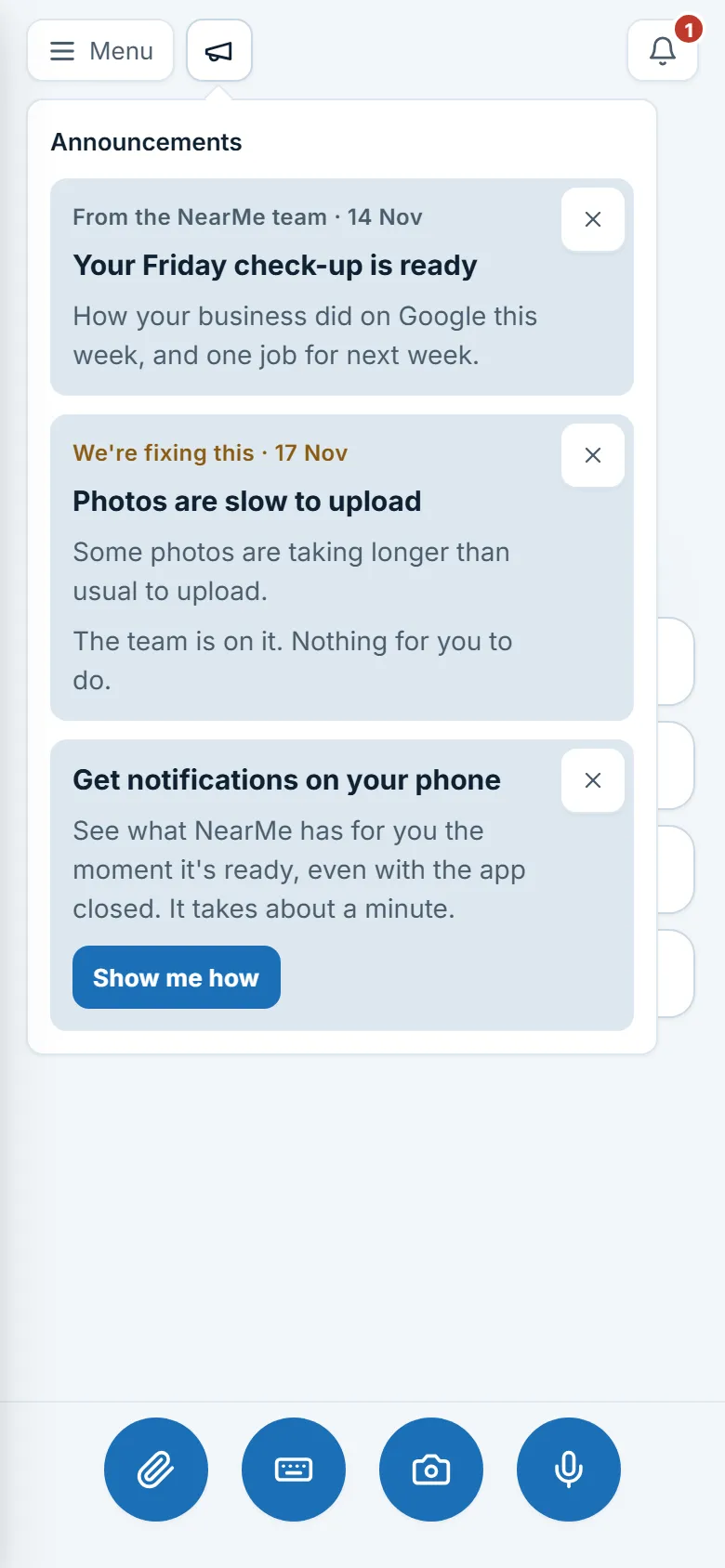
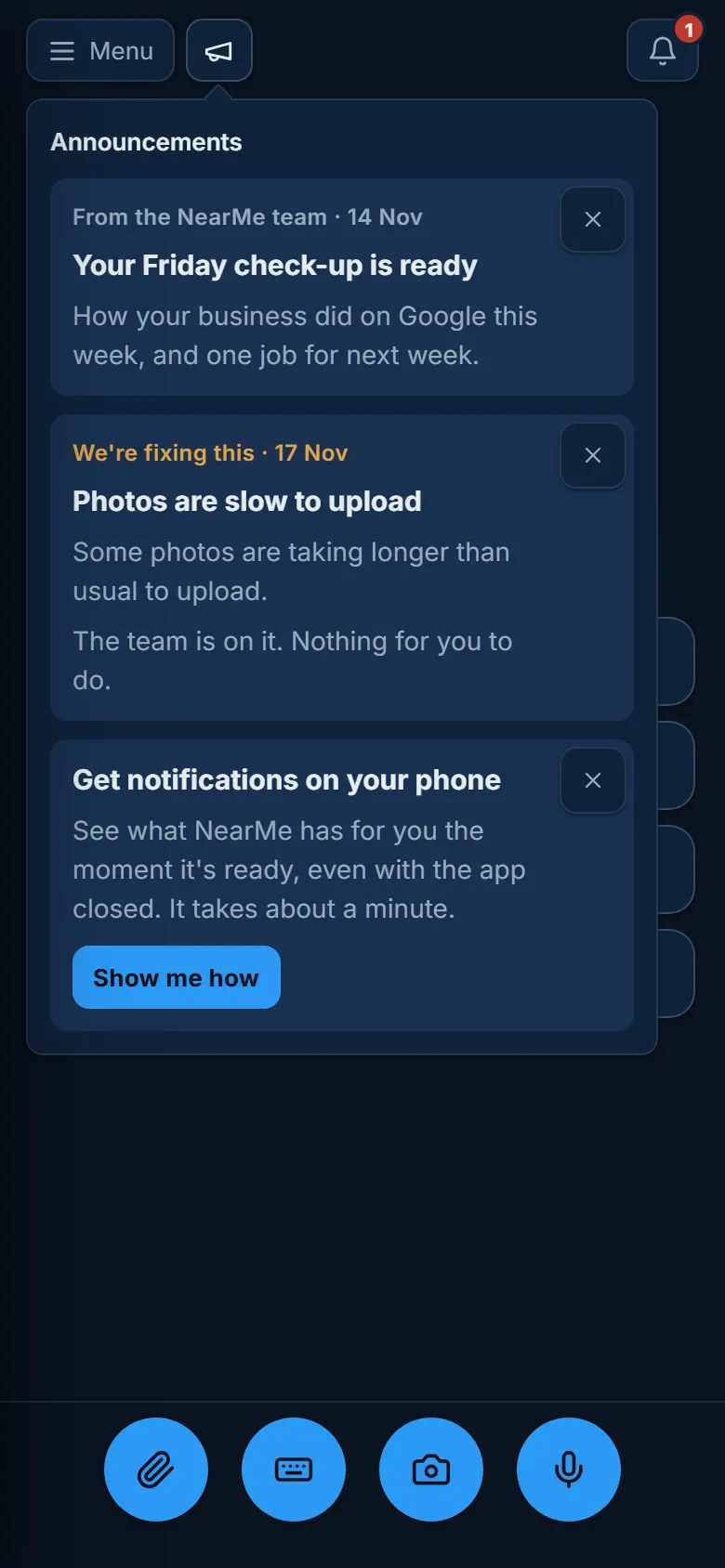
The megaphone shows a red dot when there’s something new:
- From the NearMe team: notes from us.
- We’re fixing this: a problem we’re working on. “The team is on it. Nothing for you to do.”
- For you: something you can fix, with Fix this with NearMe, which fills in your message box for you to finish.
- Changes waiting for your yes, with Ask about them.
- Phone notifications, with Show me how.
The × removes a message, and Undo brings it back.
On your phone
With notifications on, your phone tells you when a reply is ready after you’ve left the app. Owners also hear about a new enquiry straight away, and about their website going down. If you have a to-do list, one job from it comes at 9am. Planned notifications like that come at most two a day, and never between 8pm and 7am. When someone on your team needs your yes, NearMe asks you in your chat.
If your website goes down
Once your website is on your own address, NearMe checks it every hour. If it stops working, Announcements shows “We’re having technical issues with your website” and owners get a notification, held until 7am at night. When it’s back: “Your website is working again”.
Turning things off
The red dots and the bell can’t be turned off. In Settings > Notifications, owners can turn off New enquiries at night, two Google follow-ups (“A suburb people find you by with no page of its own” and “No new job on your website for five weeks”) and the weekly check-up.
Still stuck? Tap Get help in the app, or email connect@nearme.com.au.